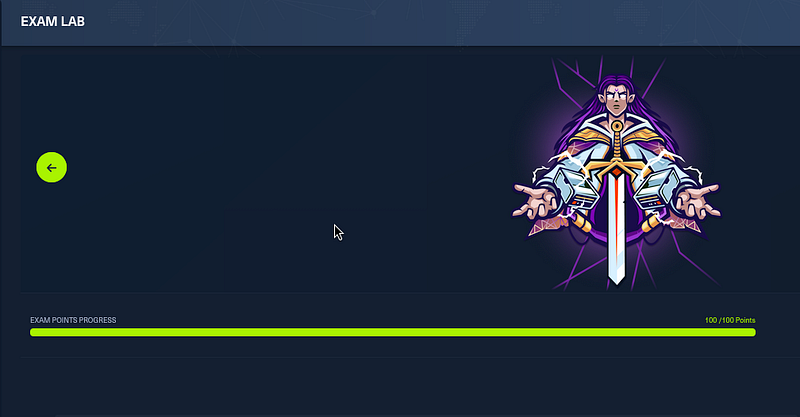
After 10 days of hands-on hacking, AD exploitation, pivoting, persistence, and countless cups of coffee I’m proud to say
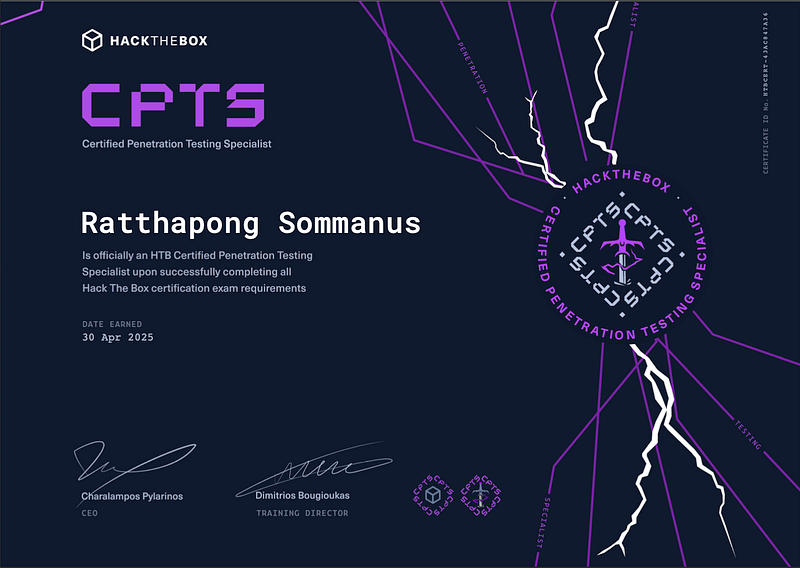
I passed the Certified Penetration Testing Specialist (CPTS) exam
by Hack The Box with a perfect score: 14 out of 14 flags.
This isn’t your average certification. CPTS simulates a real-world red team engagement: initial access, lateral movement, Active Directory abuse, post-exploitation, and professional report writing — all in a full-blown lab environment.
Here’s a breakdown of how I prepared, what tools I used, what mindset helped me survive the 10-day battle, and tips if you’re planning to take the challenge.
Preparation Strategy
After passing the OSCP, I felt proud but deep inside, there was still something I needed to prove to myself. It wasn’t just about the next certification or adding another badge to my profile. It was about testing my limits, facing new challenges, and seeing how much I’ve grown since my OSCP journey.
That’s why, without hesitation, I signed up for the CPTS (Certified Penetration Testing Specialist) exam. I didn’t overthink it I just clicked “Register.” It felt like a gut decision, but one that came from a place of determination. I wanted to see how I would perform under different conditions and against a different kind of lab environment, especially one focused more on Active Directory and Red Teaming techniques.
Labs Practiced
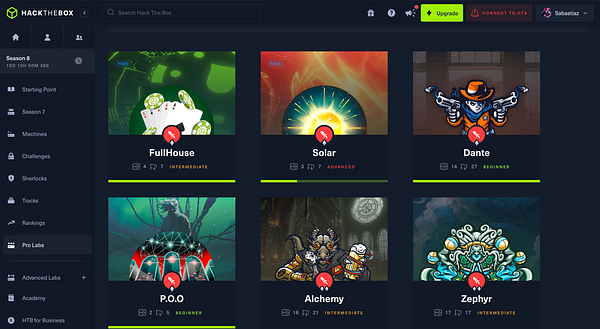
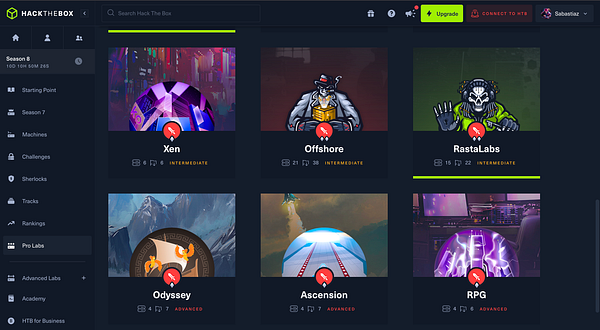
Rather than spreading myself thin across many platforms, I dedicated my focus solely to HTB Labs, which are aligned with the CPTS exam. These were the most useful:
- Dante
- Forest (Beginner AD)
- Vintage (AD Tricky)
- Blackfield (Optinal)
- Hack The Box Seasons (Reward)
- ETC.

Learning Materials:
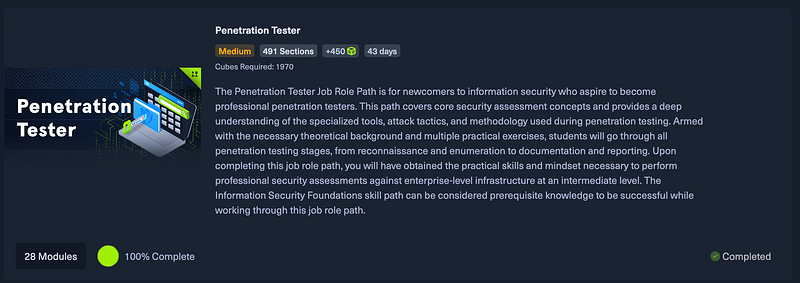
- HTB Academy: Completed all CPTS-specific modules
- HTB Labs: Focused heavily on AD labs and misconfigurations
- Other platforms: TryHackMe for warmups, HackTheBox Pro Labs (optional)
Skills Focus:
- AD enumeration and exploitation (BloodHound, SharpHound)
- Kerberoasting, AS-REP roasting
- Abuse of misconfigured service accounts
- Pivoting with Ligolo, and proxychains
- Manual report writing in professional format from Hack the box
2. Budget
To make it clear for others considering the CPTS, here’s a breakdown of the cost:
- CPTS Voucher: 210$

- HTB Academy Monthly billing
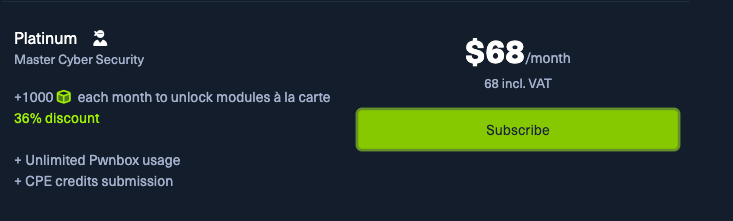
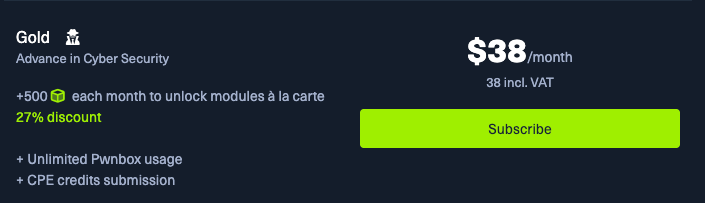
Total Estimated Cost: ~ 316$ = 10,500 Bath
This may vary based on your pace and resources, but I managed to complete the certification within this budget range.
3. My Penetration Tester Job-Role Path
Here is a simplified view of my attack methodology:
Key Takeaways:
- Penetration testing processes and methodologies
- Information gathering & reconnaissance techniques
- Attacking Windows & Linux targets
- Active Directory penetration testing
- Web application penetration testing
- Manual & automated exploitation
- Vulnerability assessment
- Pivoting & lateral Movement
- Post-exploitation enumeration
- Windows & Linux privilege escalation
- Vulnerability/Risk communication and reporting
If you’ve finished the course, you’re good to go — it’s more than enough to pass the exam!
Certification Steps
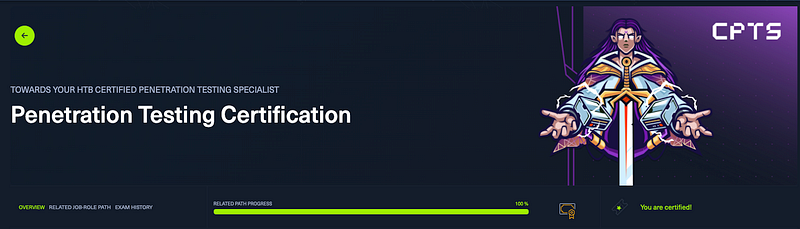
- Complete the Penetration Tester job-role path 100%
- Get an exam voucher
- Enter the exam
- Start Pen-testing
- Upload your report
- Obtain your results
4. Exam Date
The candidate will have to perform blackbox web, external and internal penetration testing activities against a real-world Active Directory network hosted in HTB’s infrastructure and accessible via VPN (using Pwnbox or their own local VM). Upon starting the examination process, a letter of engagement will be provided that will clearly state all engagement details, requirements, objectives, and scope. All a candidate needs to perform the required penetration testing activities is a stable internet connection and VPN software. HTB Certified Penetration Testing Specialist is the most up-to-date and applicable certification for Penetration Testers that focuses on both penetration testing and professionally communicating findings.
CPTS Exam Schedule
- Day 1: Captured 7 out of 14 flags
- Day 2: Captured 9 out of 14 flags
- Day 3: Captured 12 out of 14 flags
- Day 4: Captured all 14 flags (14/14)
- Day 5: Report writing
- Day 6: Finalizing and submitting report

5. Reporting Process
CPTS puts a strong emphasis on professional reporting. After completing the technical part of the exam, I spent time creating a thorough and clear report that included:
- Executive Summary A non-technical overview for stakeholders
- Technical Findings Each vulnerability with CWE/CVSS ratings
- Proof of Concept Step-by-step walkthrough of the attacks
- Screenshots and Evidence Solid documentation
- Remediation Recommendations Actionable suggestions
Using templates and tips from HTB helped me keep the report clean and readable.
Final Thoughts
Completing the CPTS exam with 100% was a rewarding and challenging experience. It pushed me to think critically, stay organized, and demonstrate real-world skills in a simulated enterprise environment. If you’re preparing for CPTS:
- Stick to HTB labs and align them with the exam path
- Practice strong documentation from day one
- Learn to use tools efficiently instead of relying on automation
Good luck, and feel free to reach out if you need tips on specific sections!
— — — — — — — — — — — — — — — — — — — — — — — — — — — — — — — — — — — — — —